Lumina Gallery is a fully client-side personal photo management web application built with pure HTML, CSS, and JavaScript — no backend, no frameworks, no dependencies beyond Google Fonts. Users can upload images directly from their device, organise them into custom folders, mark favourites, trash and restore photos, and browse their collection through a polished sidebar-driven interface. All data is persisted locally via localStorage, making the experience seamless and private. The app ships with a fullscreen lightbox viewer, a right-click context menu, multi-select bulk actions, and a live search bar — delivering a desktop-app feel entirely in the browser.
- Build a fully client-side gallery with zero backend dependencies
- Implement persistent local storage for images, folders, and user preferences
- Enable photo organisation via custom folders and a favourites system
- Provide a trash/restore workflow for safe, reversible deletions
- Deliver a polished fullscreen lightbox with keyboard navigation support
- Support multi-select bulk actions: favourite, move, and delete simultaneously
The project is deliberately dependency-free at runtime. All interactivity, state management, and persistence is handled with native browser APIs:
- Component-driven UI architecture using pure JavaScript DOM manipulation
- Client-side state management and data persistence with localStorage
- File handling and Base64 encoding via the FileReader API
- Responsive CSS layout with custom properties and fluid grid design
- UX design — context menus, lightboxes, multi-select, and keyboard shortcuts
📁 gallary/
├── 📄 index.html           ← App shell & markup
└── 📂 files/
    ├── 🎨 style.css        ← All visual styling & themes
    ├── ⚙️  app.js          ← Full app logic & state management
    └── 📂 screenshot/
        ├── img1.jpeg
        ├── img2.jpeg
        ├── img3.jpeg
        ├── img4.jpeg
        └── img5.jpeg
A visual walkthrough of the gallery application — from the sidebar navigation and photo grid to the fullscreen viewer and folder management system.
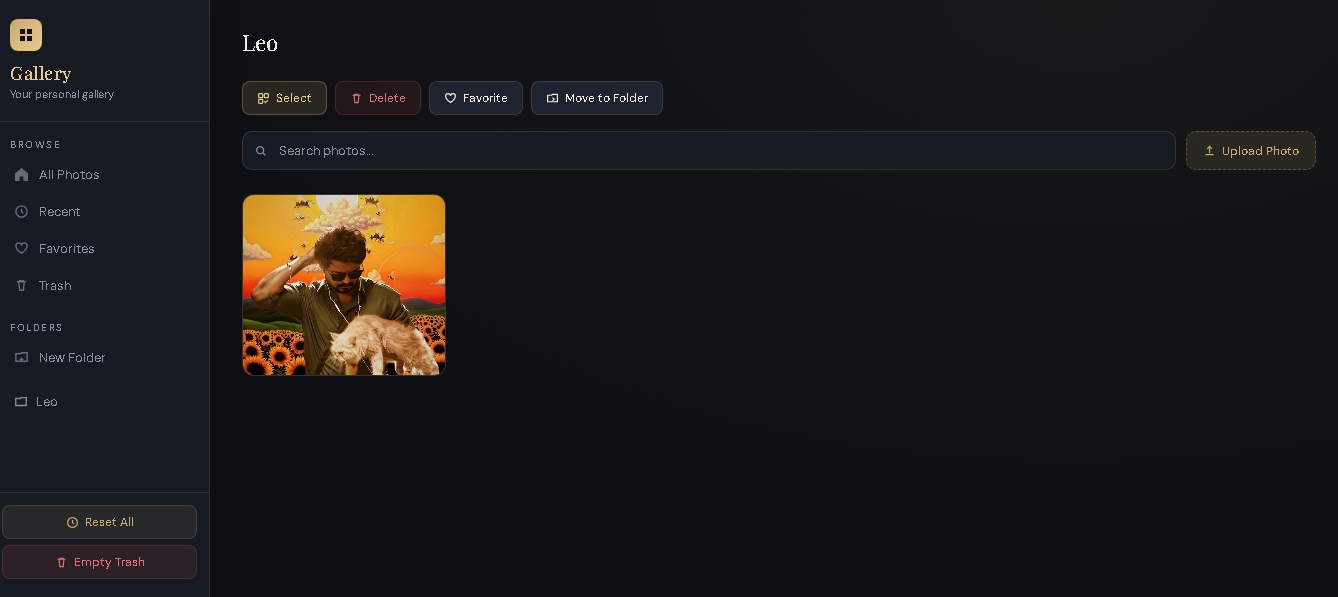
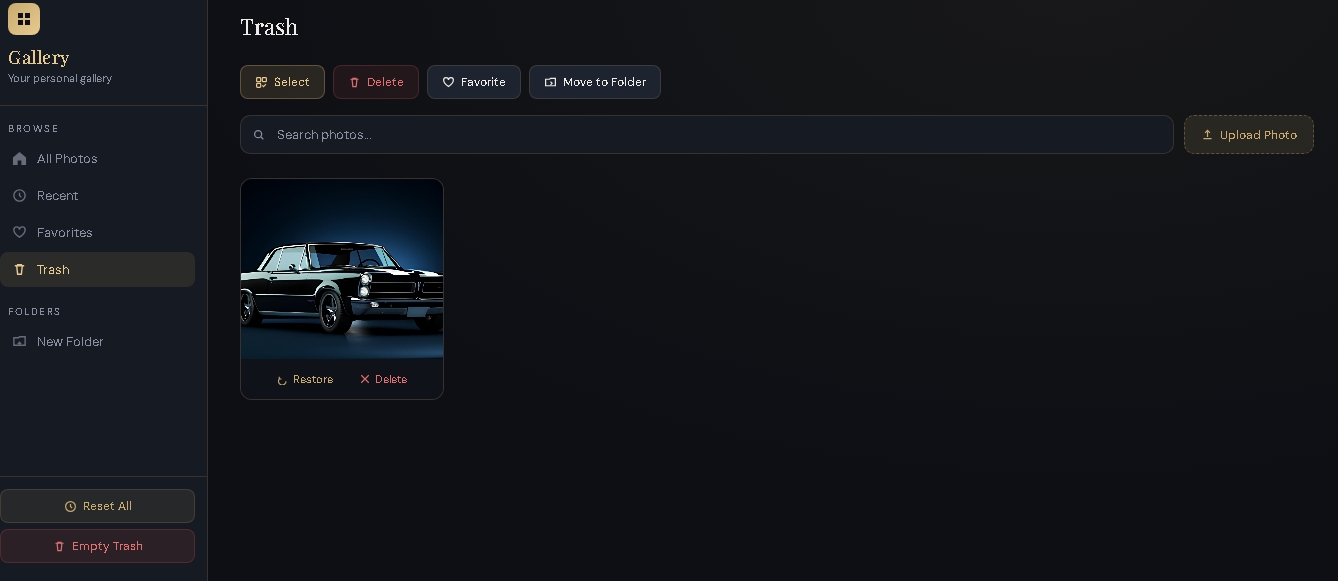
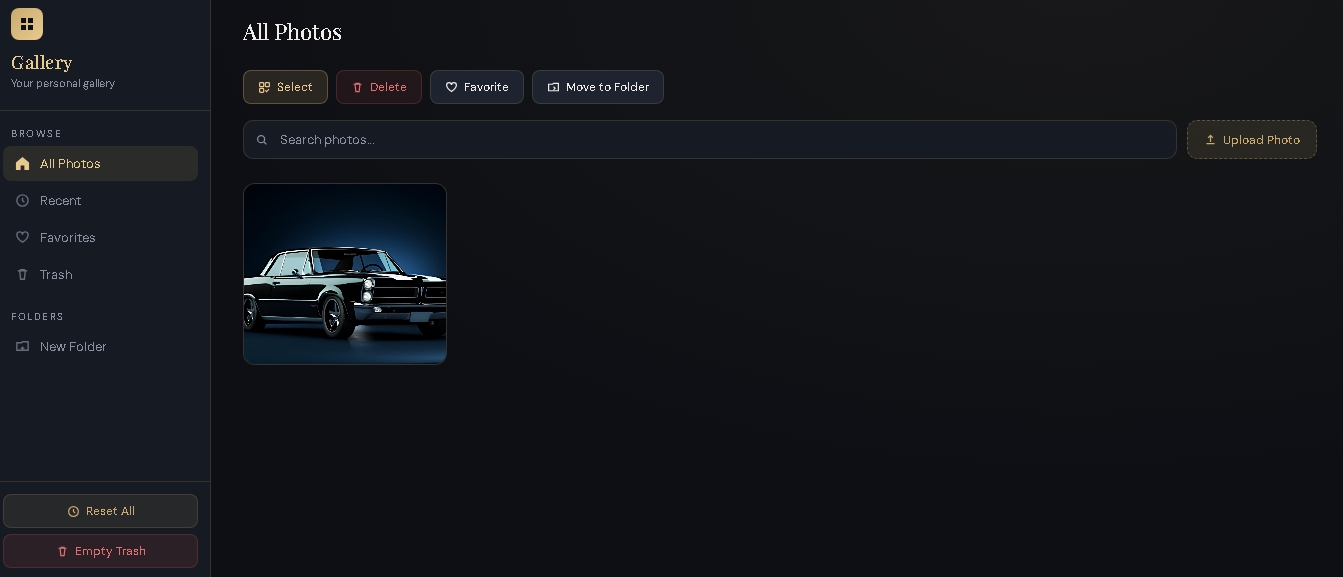
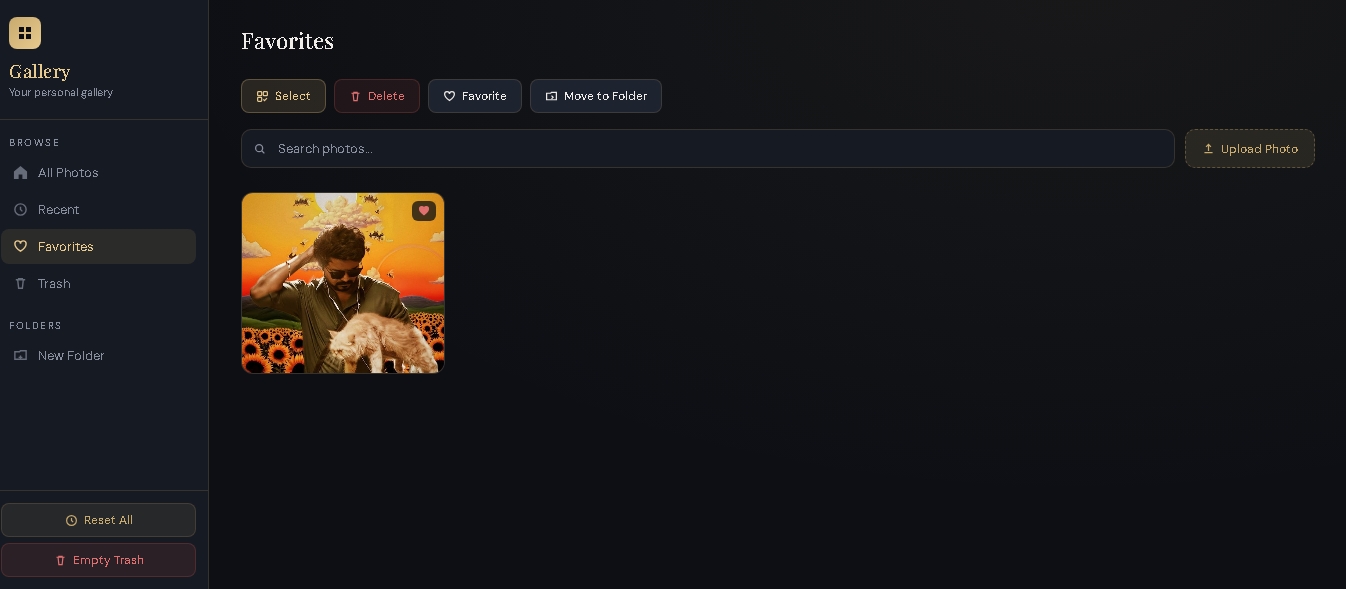
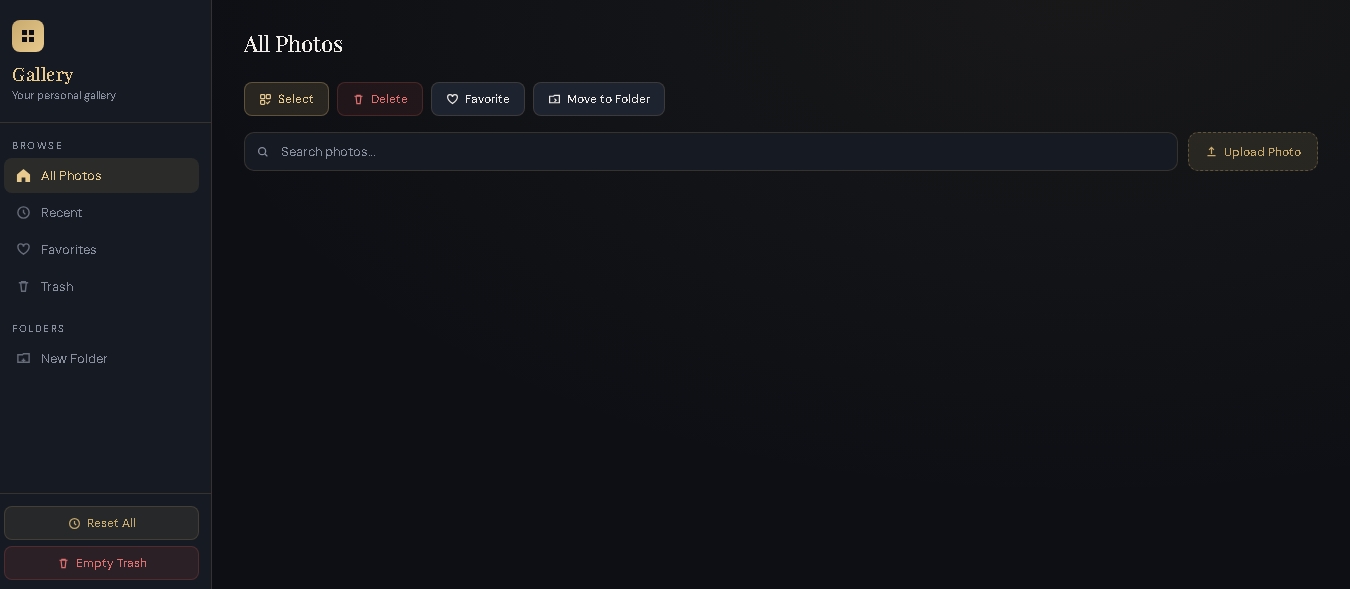
Lumina Gallery ships with a complete photo management workflow: upload photos from any device, browse them in a responsive masonry-style grid, and open any image in a polished fullscreen viewer with favourite and delete controls. Photos can be moved into named folders via prompt or drag-friendly workflows, and a dedicated Trash view allows safe restoration of deleted items before permanent removal. A live search bar filters the active view by filename in real time. The multi-select mode enables bulk favouriting, moving, and deletion, while the right-click context menu surfaces the same actions with a single gesture. All state is saved to localStorage automatically, so the collection persists across browser sessions without any server.
Lumina Gallery demonstrates how far a thoughtfully crafted frontend can go without any framework or backend. By leaning on native browser APIs — FileReader for image ingestion, localStorage for persistence, and the DOM for all state-driven rendering — the application remains lightweight, fast, and entirely portable. The project showcases strong command of vanilla JavaScript architecture, CSS custom-property theming, and user-experience design principles. It serves both as a practical personal tool and as a portfolio artefact that highlights the power of constraint-driven, dependency-free frontend engineering.